

What happens when you open the player?
On a fresh installation, you supply the playlist. That list tells TiviMate which streams it can open. If your source supplies schedule data too, the TV guide can show what’s on each channel now and what comes next. A stream can play even when its guide row is empty.
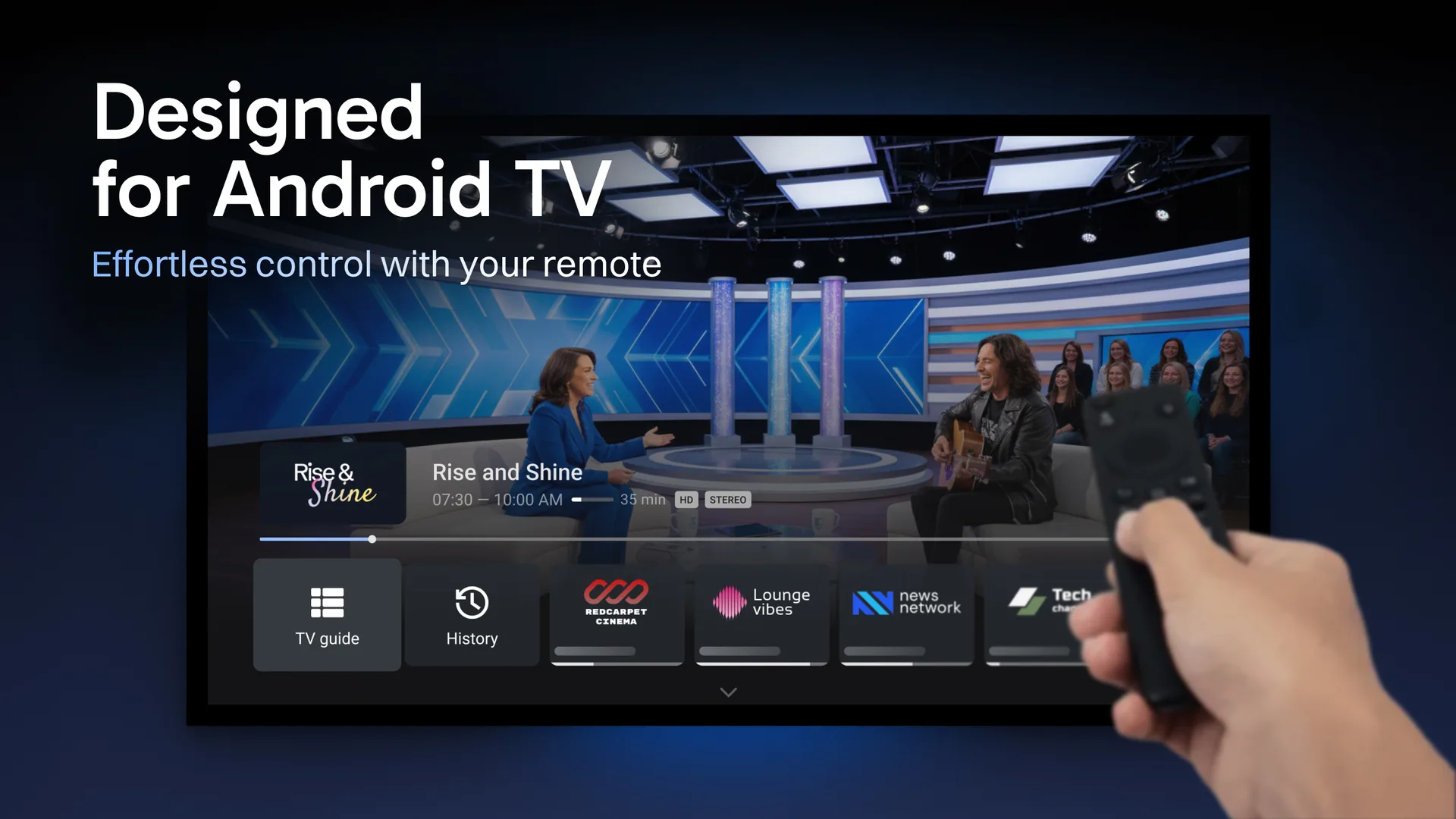
The publisher’s screenshots show navigation, search, catch-up and multiview with example programs. The titles and channels in those pictures illustrate the interface. Your own source determines the lineup, picture quality and available archives.
Which playlist type should you choose?
| What you received | Choose in TiviMate | What to keep handy |
|---|---|---|
| A playlist link or an M3U file | M3U playlist | Keep the link intact, including anything after the question mark. A separate guide link may also be supplied. |
| A server address with a username and password | Xtream Codes | Use the server address exactly as provided, including the port if shown. |
| A portal address and device registration instructions | Stalker Portal | Ask the provider which device identifier it has registered and enter the details it supplies. |
A quick first viewing session
- Check the TV or streaming box operating system. Armobsoft designs the player for Android TV and a directional remote. The screen brand alone does not tell you which apps it runs.
- Install the player from the publisher’s official page or its Armobsoft FZE listing on Google Play. Companion is a separate account utility.
- Add one authorized playlist and let the channel list finish loading. Open a familiar live channel, then return to the guide and check whether the program name and time look right.
- Once playback works, explore search and channel organization. Decide on Premium when you reach a feature you want to keep using.
What makes recording and multiview work?
Recording needs writable storage with enough space for the program. Catch-up draws on an archive from the source, so an old listing in the guide can exist without a playable replay. Multiview opens several streams at once. Before trying it, check the number of simultaneous connections your provider allows.
A TiviMate license and a streaming account control different parts of this setup. If the guide opens but every channel reports an expired subscription, check with the company that supplied the playlist. If a player feature asks you to unlock Premium, check your TiviMate account.